takoTV for Fire TV Stick
A network stream player for Amazon Fire TV and Fire TV Stick. You bring your own playlist — takoTV includes no channels, no catalogue and no content of its own. No account, no ads.
What it looks like
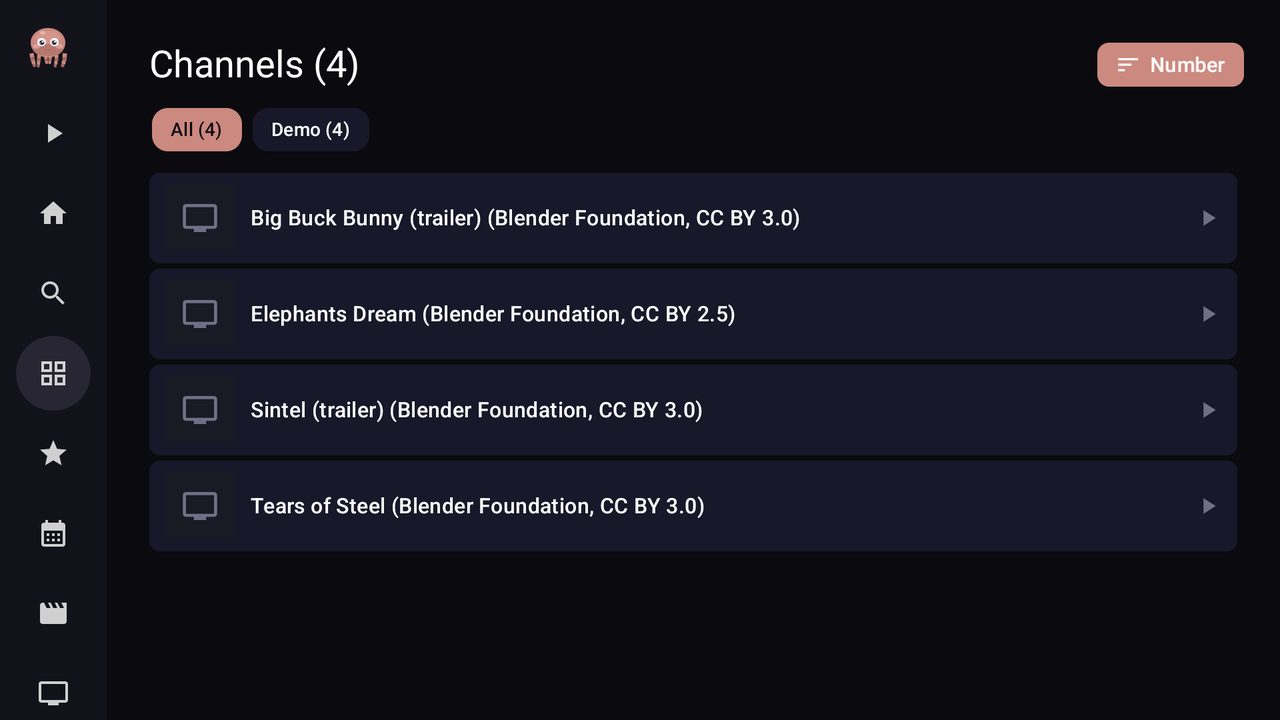
Picking a channel and starting playback. Demo content: Big Buck Bunny, Blender Foundation, CC BY 3.0.
Adaptive HLS playback, the same protocol most live playlists use. Demo content: Tears of Steel, Blender Foundation, CC BY 3.0.
Install on Fire TV in three steps
- Allow installs. On your Fire TV go to Settings → My Fire TV → About and click your device name seven times to reveal Developer options. Go back, open Developer options → Install unknown apps, and turn it ON for Downloader.
- Get Downloader. A free app from the Amazon Appstore — search “Downloader” on your Fire TV and install it.
- Open Downloader, type the address below and press Go.
The download starts, then Fire TV asks you to confirm the installation. Once installed, takoTV appears in Your Apps & Channels.
Also available on
Android phones & tablets
Adaptive layout, picture-in-picture, background audio, and QR pairing to send a playlist to your TV.
Google PlayWear OS watches
Browse and play your channels from the wrist, with favourites synced from the phone.
Google PlayFirst launch
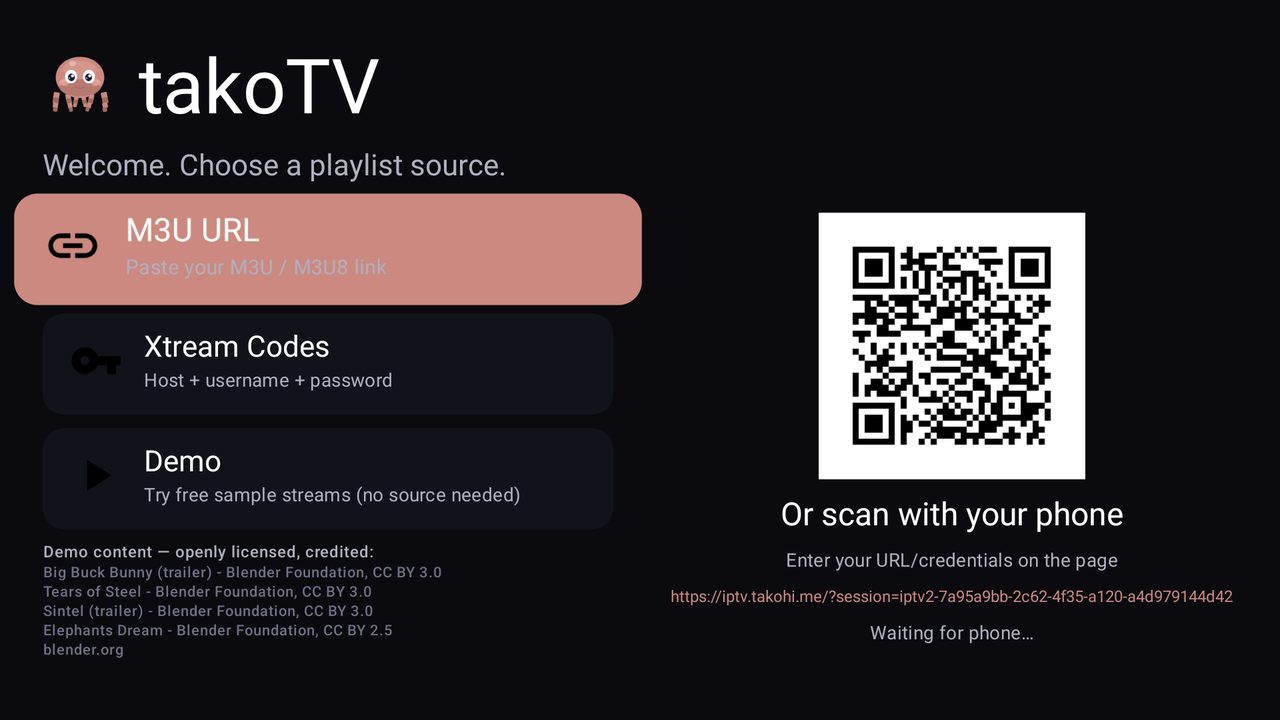
The start screen offers three ways to add your source: an M3U / M3U8 link, server credentials, or pairing from your phone by scanning the QR code shown on the TV. A Demo button loads four openly licensed Blender Foundation films (Creative Commons), each credited on screen with its licence, so you can confirm playback works before adding anything of your own.
Features
- Sources: M3U / M3U8 link, server credentials, or QR pairing from your phone
- Programme guide (EPG / XMLTV) with now and next
- Categories and sub-groups, sorting by channel number or name, instant search
- Favourites and pinned categories, so your channels come first
- Movies and Series sections when your provider exposes them
- Adaptive HLS playback with automatic reconnection, 4K-capable rendering
- Remote-friendly D-pad navigation built for the TV screen
Questions
Why is takoTV not on the Amazon Appstore?
It is not currently distributed there. On Fire TV it installs directly from this page using Downloader, which is the standard way to install an app outside the Appstore. On Android TV, phones and watches, takoTV is on Google Play.
Does takoTV provide any channels?
No. takoTV hosts, provides, indexes and links to nothing. It plays the playlist you give it, the same way a browser opens the address you type. The only media included is the demo of openly licensed Blender Foundation films.
Will it update itself?
Not on Fire TV: an app installed this way does not update automatically. Come back to this page and install the latest file over the existing app — your playlists and settings are kept.
Is it really free?
Yes. No account, no ads, no tracking.